Loading video…
Video
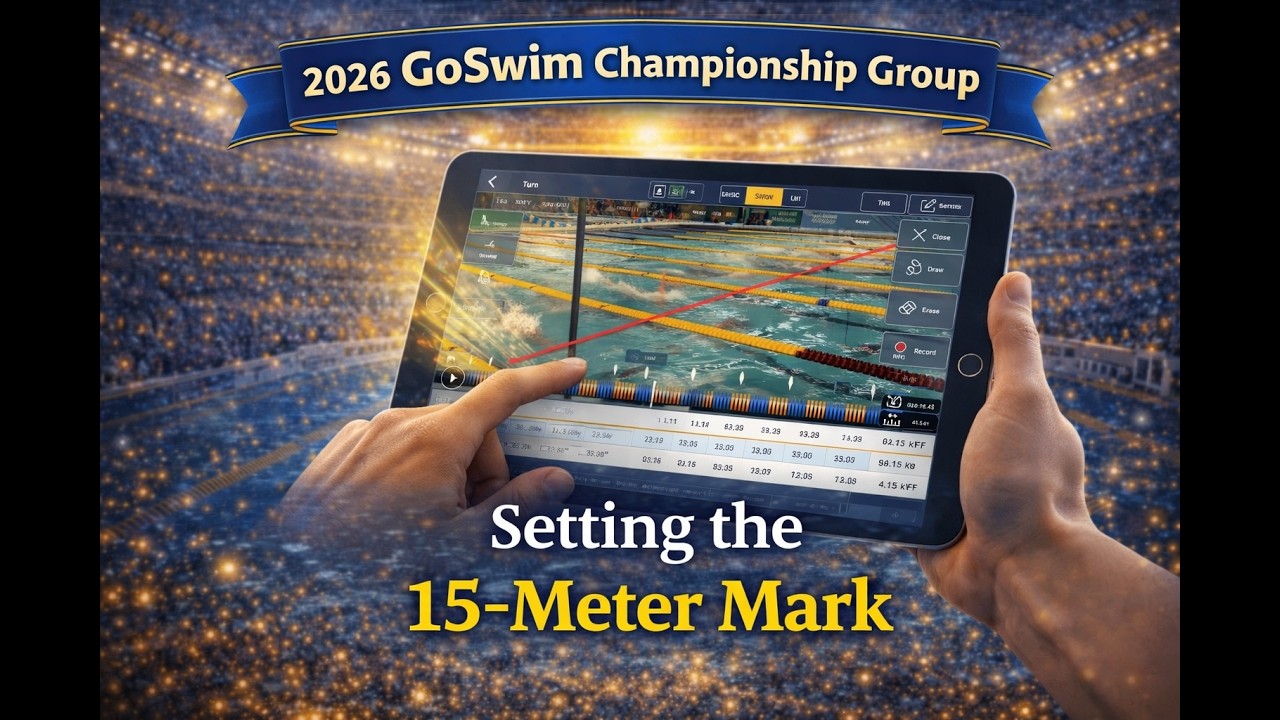
Setting the 15-Meter Mark
Loading video…
Video
Setting the 15-Meter Mark
The 15-meter underwater rule explained — and why your breakout distance data might be telling you more than you think.
In this video, Glenn Mills digs into one of the most critical and often misunderstood data points in the Go Swim app: breakout distance and the 15-meter underwater rule. Using real race footage from elite-level backstroke swimmers, Glenn walks through exactly what the data means and how to interpret it correctly.
A few key things every swimmer and coach needs to know: the 15-meter rule requires any part of the swimmer's head — including the chin — to break the surface before the 15-meter mark. It's not the tip of the head, it's any part of the head. That distinction matters, and it came straight from a meeting with a lead official from USA Swimming.
There's also a critical detail about yards vs. meters that trips up a lot of coaches. The 15-meter markers in the app are always set in meters — even if you're swimming in a yards pool. So if your data shows a breakout distance of 15.5, don't panic. In a yards pool, that's still legal. Know your units.
Most importantly — watch the elite swimmers in this video. Every single one of them is still fully underwater at the point where many age groupers have already started stroking. That's the standard. That's what's possible. Where are you right now, and how much runway do you have to improve?
🏊 New to the Go Swim app? Check out our full Import & Add Data tutorial to get started. 🏊 .
Press play above — the video streams right here. The free Spot Sports app also queues clips like this one alongside your followed teams and athletes.
From the GoSwim channel. Tap the channel link below the title to browse more uploads.
3 minutes.
