Loading video…
Video
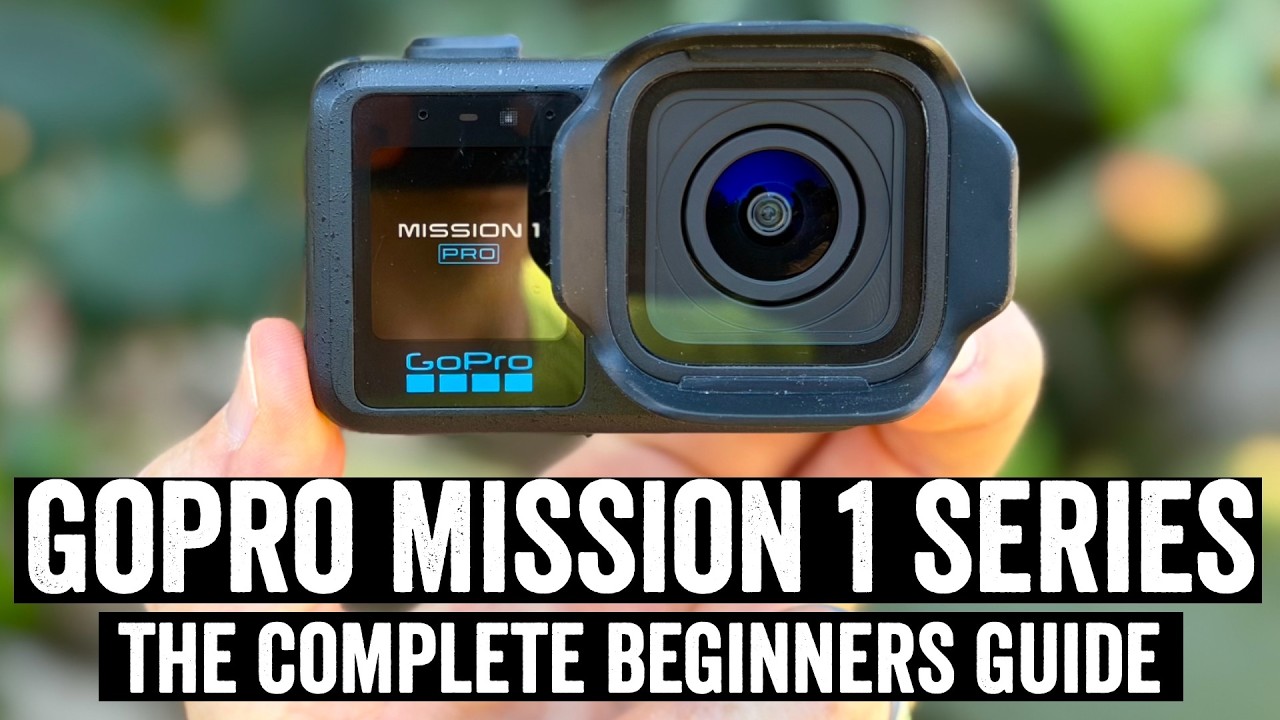
GoPro Mission 1 Series: The Complete Beginners Guide
Loading video…
Video
GoPro Mission 1 Series: The Complete Beginners Guide
Archive context
The upload can be recent even when the match footage is from a past season. For today's games, use current scores or the team links below.
Here's your complete GoPro Mission 1 & GoPro Mission 1 Pro beginners guide, covering every feature within the GoPro Mission 1 series, and how to use it.
//////// Accessories and such ////////
Mission 1 Pro on Amazon: amzn.to/4u2J7pt
The exact SD card I use: amzn.to/4nS7GnF
Massive GoPro accessory bundle: amzn.to/4dXRdcO
GoPro Shorty Stick: amzn.to/3PSFG6M
GoPro 3-Way Stick: amzn.to/4x7gYQY
GoPro Floaty: amzn.to/4nYF5ge
Cheap Floaty (had for 8 years now): amzn.to/3RDlfLG
GoPro Chest Mount: amzn.to/4x45DAZ
Suction Cup Mount I Use Outside Cars: amzn.to/3ScYiiq
GoPro Contacto (charting door, same as Hero 11/12/13): amzn.to/4fm7db1
DJI Mic Mini (the one shown in video): amzn.to/3RDlfLG
USB-C to 3.5mm mic adapter that actually works: amzn.to/4o1pwEJ
Other briefly shown accessories I didn't talk about:
1) The bike saddle rail part (includes GoPro adapter, note this one is metal, which is important, this is AWESOME for rear saddle shots): amzn.to/4uHD2Qk
2) GoPro dual mount: amzn.to/3QlL4zr
The above Amazon Associates links help support the channel, at no cost to you!
///// Chapters:
0:00 Quick Overview
0:58 What's In the Box
2:02 Hardware Basics (Buttons, Mounts, Ports)
7:41 Pairing to the app, initial setup
8:43 GoPro Mission 1 base vs Mission 1 Pro
10:23 User Interface Walk-Through
15:02 Starting/Stopping/Viewing Videos
16:11 Understanding video modes
18:20 Video Mode Settings (aka all the tiny options)
20:03 Digital Lenses Explained (Linear, Wide, SuperView)
21:42 Horizon Lock Explained
22:44 Hindsight, Scheduled Capture, HyperSmooth, and Many More
26:33 Image Tuning (Sport, Face, Underwater, and more)
27:22 10-Bit, Bit Rate, and Log Options
29:15 Open Gate Mode
30:03 Low Light Video Modes
31:11 Slow Motion Options
33:11 Timelapse & Timewarp (New) Features
36:40 Night Effects (Star Trails, Light Painting, Vehicle Lights)
38:20 Subject Tracking (Follow-Me Mode)
39:19 Photo Modes
41:34 Battery & Overheating
43:25 Underwater & Waterproofing
44:04 Dive Mode
46:13 GoPro Quik App Core Features
49:24 Accessories I actually use/buy
55:58 Pairing Microphones & USB-C Mics
Press play above — the video streams right here. The free Spot Sports app also queues clips like this one alongside your followed teams and athletes.
From the DC Rainmaker channel. Tap the channel link below the title to browse more uploads.
59 minutes.
